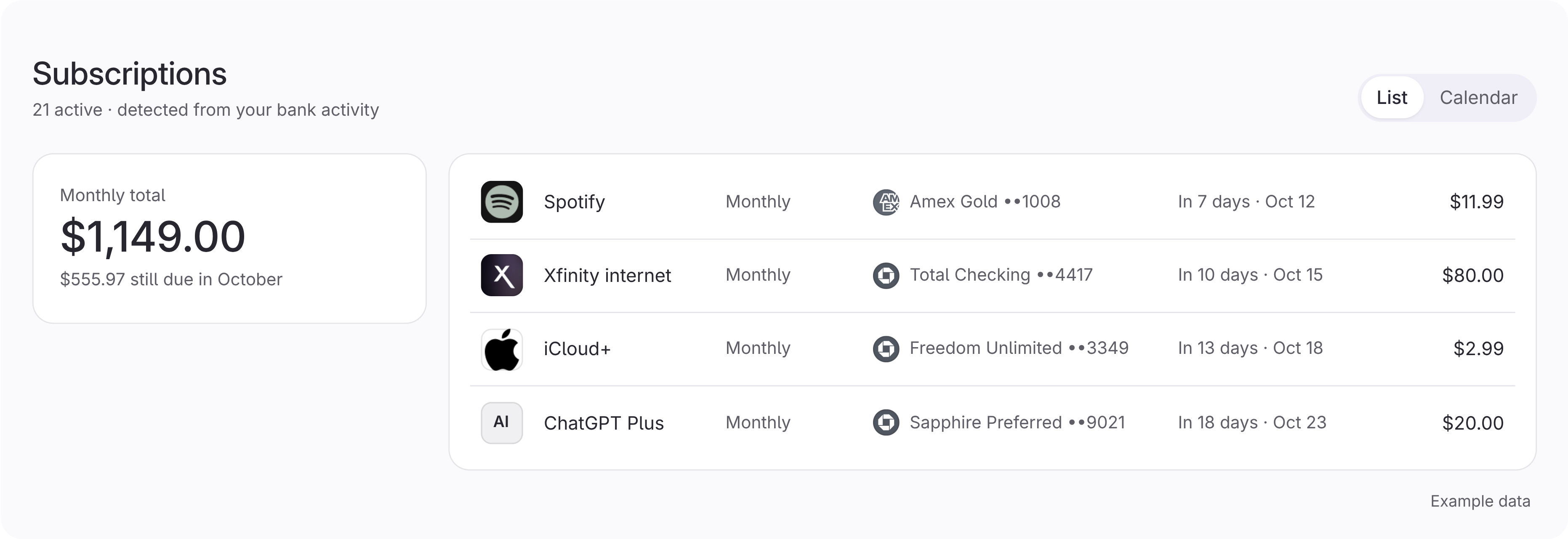
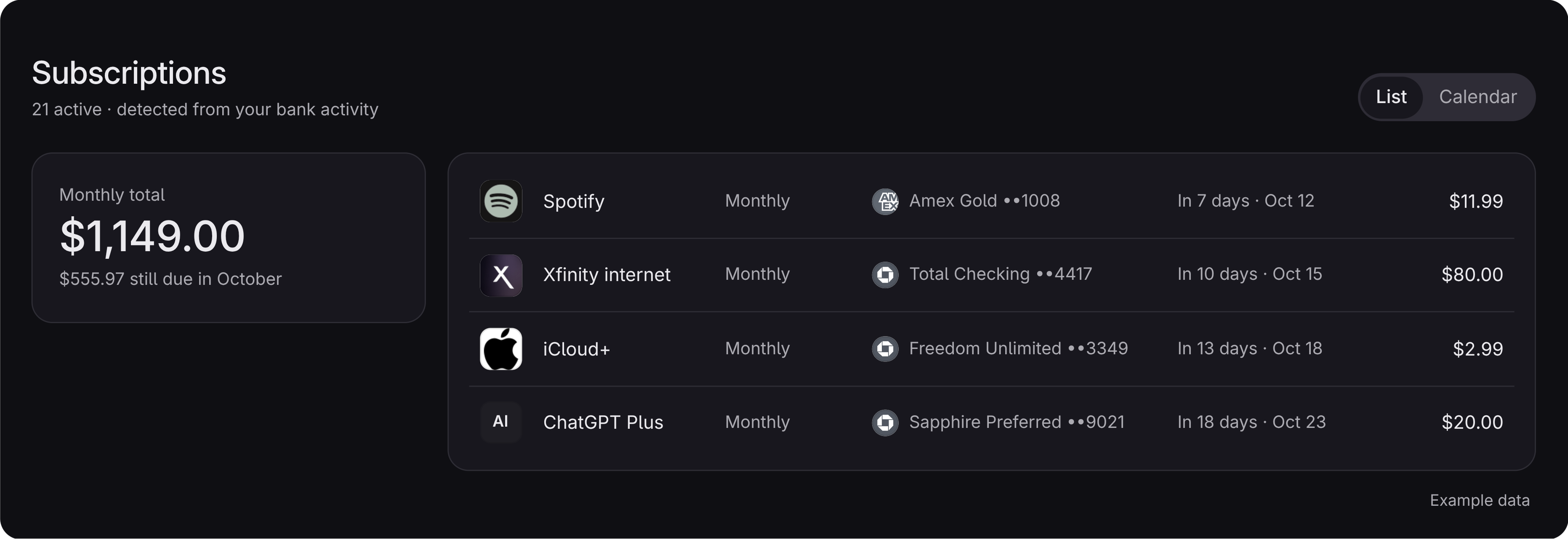
Find the cancel page from your subscription list.
When Warm knows a service, its cancel link appears on that subscription.
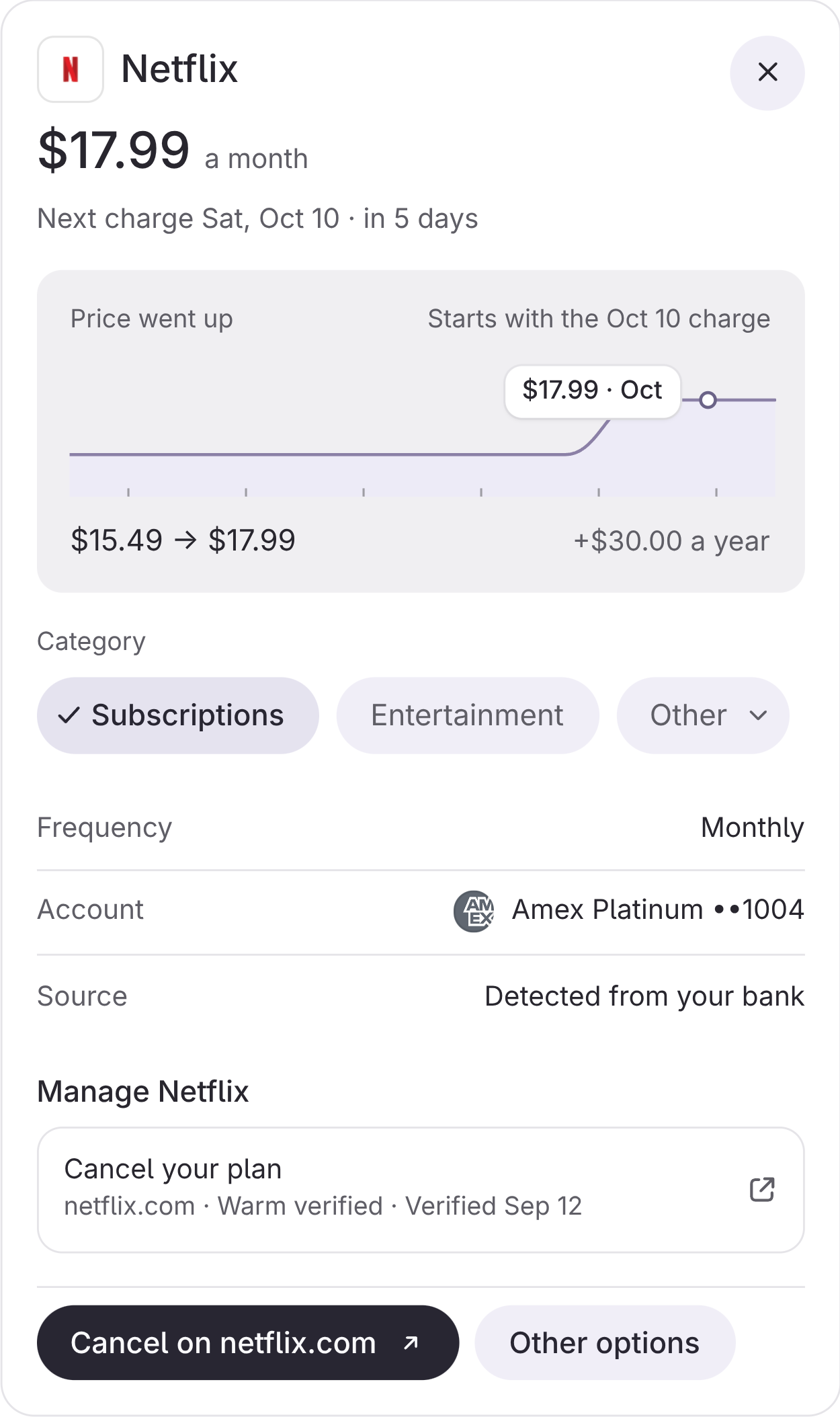
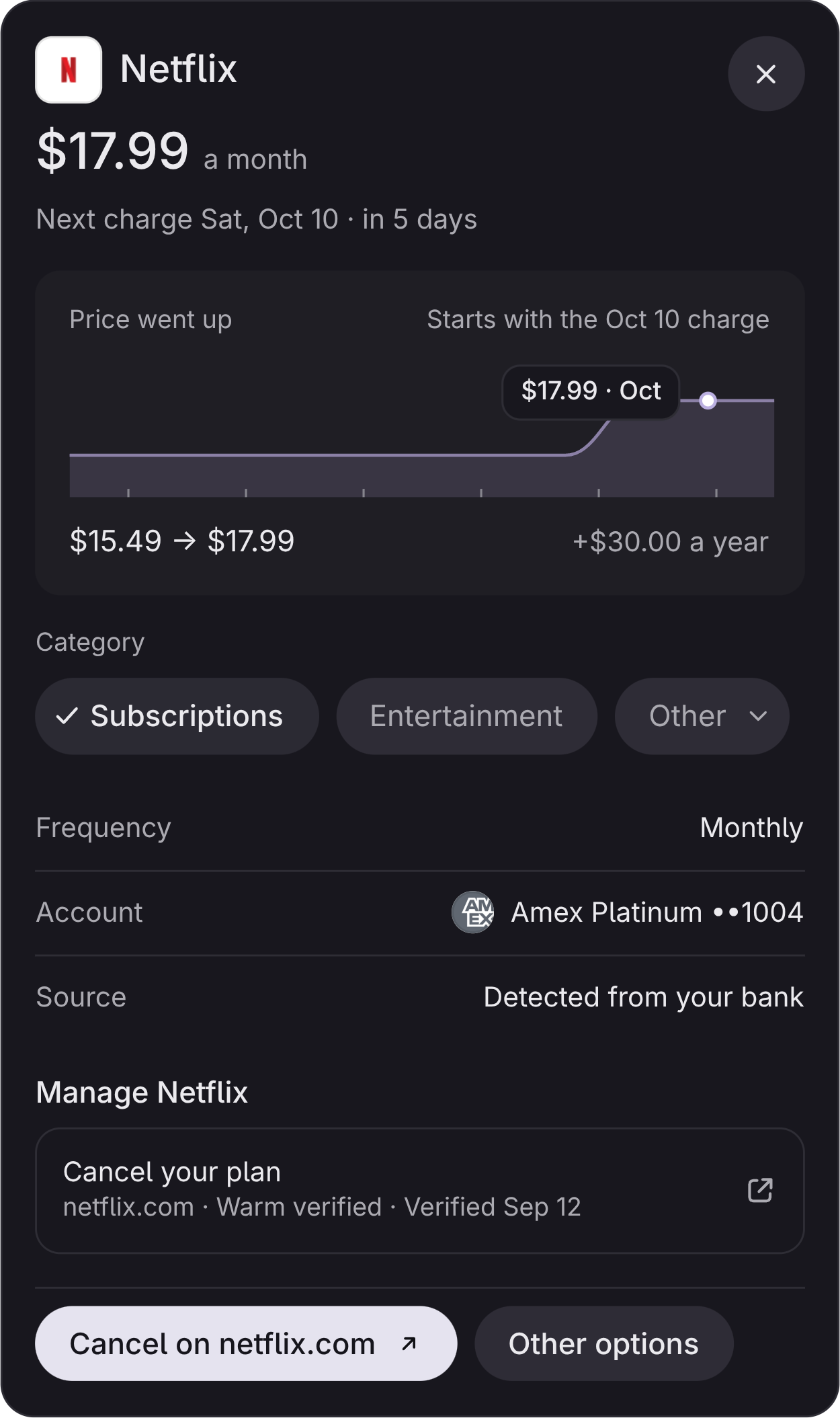
Warm points you to the cancel page. You cancel with the service.
-
Links show for supported services only No link appears when Warm has no match.
-
The link sits on the subscription There is no separate list to search.
-
Warm does not cancel for you You finish on the service's own page.
-
Warm cannot move money Bank connections are read-only.
Each match appears on its subscription.
Open the link from the subscription you want to cancel.