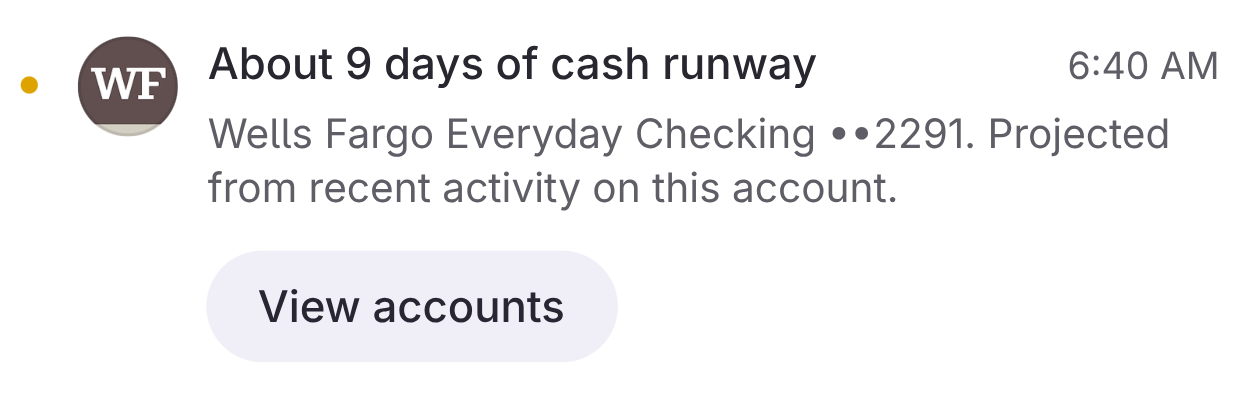
Something look off? We'll Let You Know
We keep an eye out for you. Big surprise charge? We'll point it out. No stress, just a heads up.
What we keep an eye on
Four things that might surprise you. We spot them fast.
Double Average Spending
When you spend 2x your typical amount in any category, we let you know gently.
Large Purchases
First-time large transactions that stand out from your normal spending patterns.
Category Spikes
ProSudden increases in specific categories like dining, shopping, or entertainment.
Unusual Merchants
ProFirst-time purchases at merchants that don't match your typical shopping habits.
How it works
We do the watching. You just live your life.
We learn your patterns
Our system analyzes your transaction history to understand your normal spending behavior.
We detect anomalies
Server-side algorithms flag transactions that deviate from your established patterns.
You get a gentle nudge
Alerts appear on your dashboard—no intrusive notifications, just helpful awareness.
No guilt. Just info.
We're not here to scold you. Just a friendly tap on the shoulder.
No push notifications
Alerts wait for you on your dashboard. Check when you want, ignore when you don't.
Observational, not judgmental
We say "We noticed your dining spending increased" not "You're overspending on food!"
Learns and adapts
Dismiss alerts that aren't relevant and we'll adjust what we flag in the future.
Available on all plans
Basic alerts for everyone, advanced detection for Pro
Basic
- Double category spending alerts
- Large purchase detection
Pro
Pro- Everything in Basic
- Category spike detection
- Unusual merchant alerts
Frequently asked questions
How does Warm detect unusual spending?
We use server-side analysis that compares each transaction against your historical patterns. This includes category averages, merchant frequency, and transaction size. The detection runs automatically as new transactions sync.
Will I get annoying notifications?
No. Spending alerts appear on your Alerts page and dashboard—we don't send push notifications or emails. The goal is awareness without anxiety. Check when you want to, ignore when you don't.
What's the difference between Basic and Pro alerts?
Basic tier gets alerts for double-category spending and large purchases. Pro tier adds category spike detection and unusual merchant alerts for more comprehensive coverage.
Can I dismiss or ignore alerts?
Yes. Each alert can be dismissed, and we learn from your dismissals to reduce false positives over time. If you regularly spend big at a certain merchant, we'll stop flagging it.
How quickly do alerts appear?
Alerts are generated as transactions sync, typically within minutes of a purchase. Our server-side detection means you don't need to open the app for analysis to happen.
Let us watch your back
Hook up your accounts. We'll keep a lookout for anything weird. Easy.
Start FreeRelated Features
Explore more ways Warm helps you understand your finances.