Use your Warm data with an AI tool.
Read your synced Warm financial data and approve specific record operations from the AI tools you already use.
Ask an AI tool about your finances.
Works with supported AI tools Read the setup guides
-
Create an API key
Open Settings → Export & API and select Create API key.
-
Run the installer
Needs Node.js 18 or newer. It validates your key and adds Warm to your client's config.
-
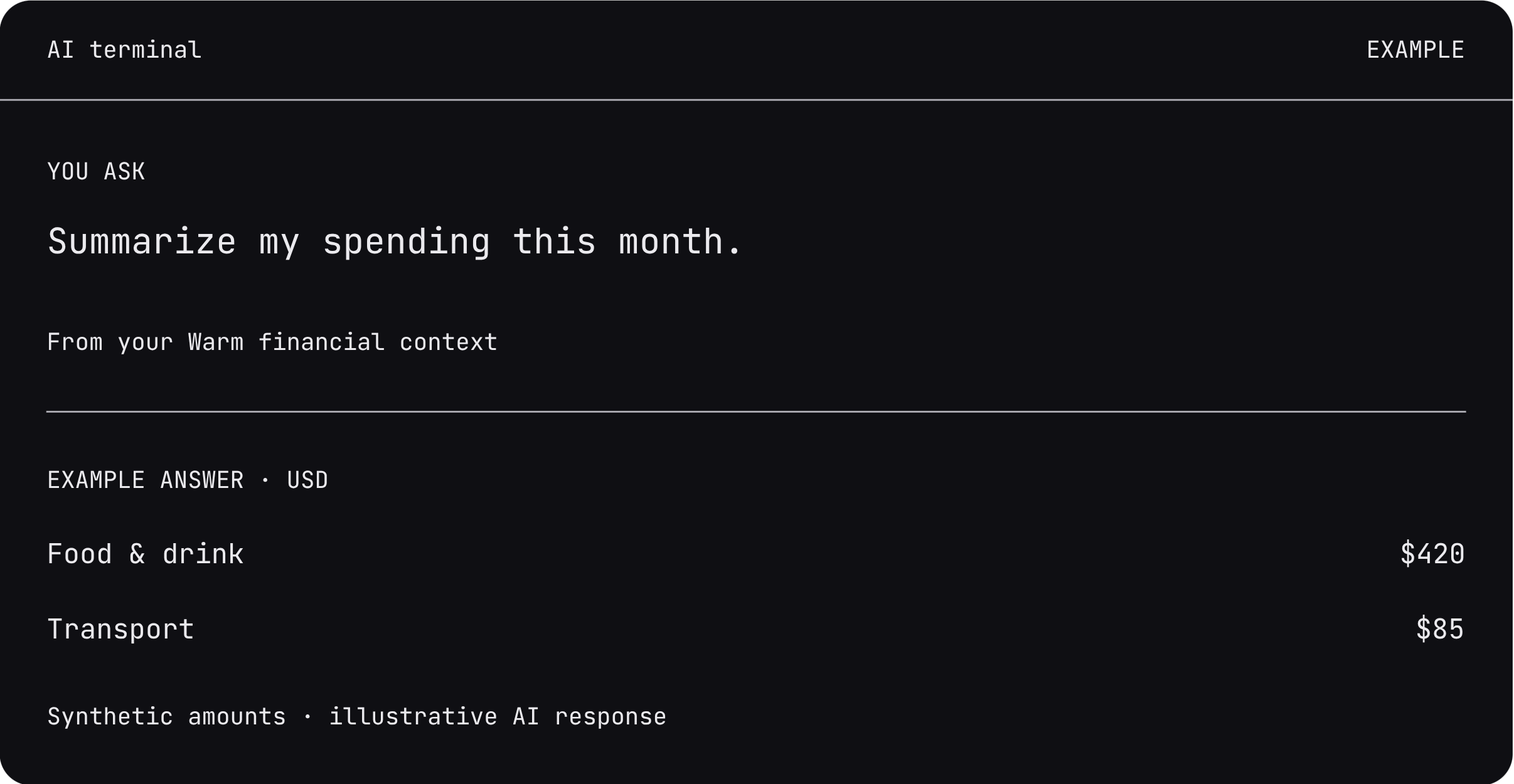
Ask
Ask your AI to call get_financial_context.
npx -y @warmio/mcp@latest install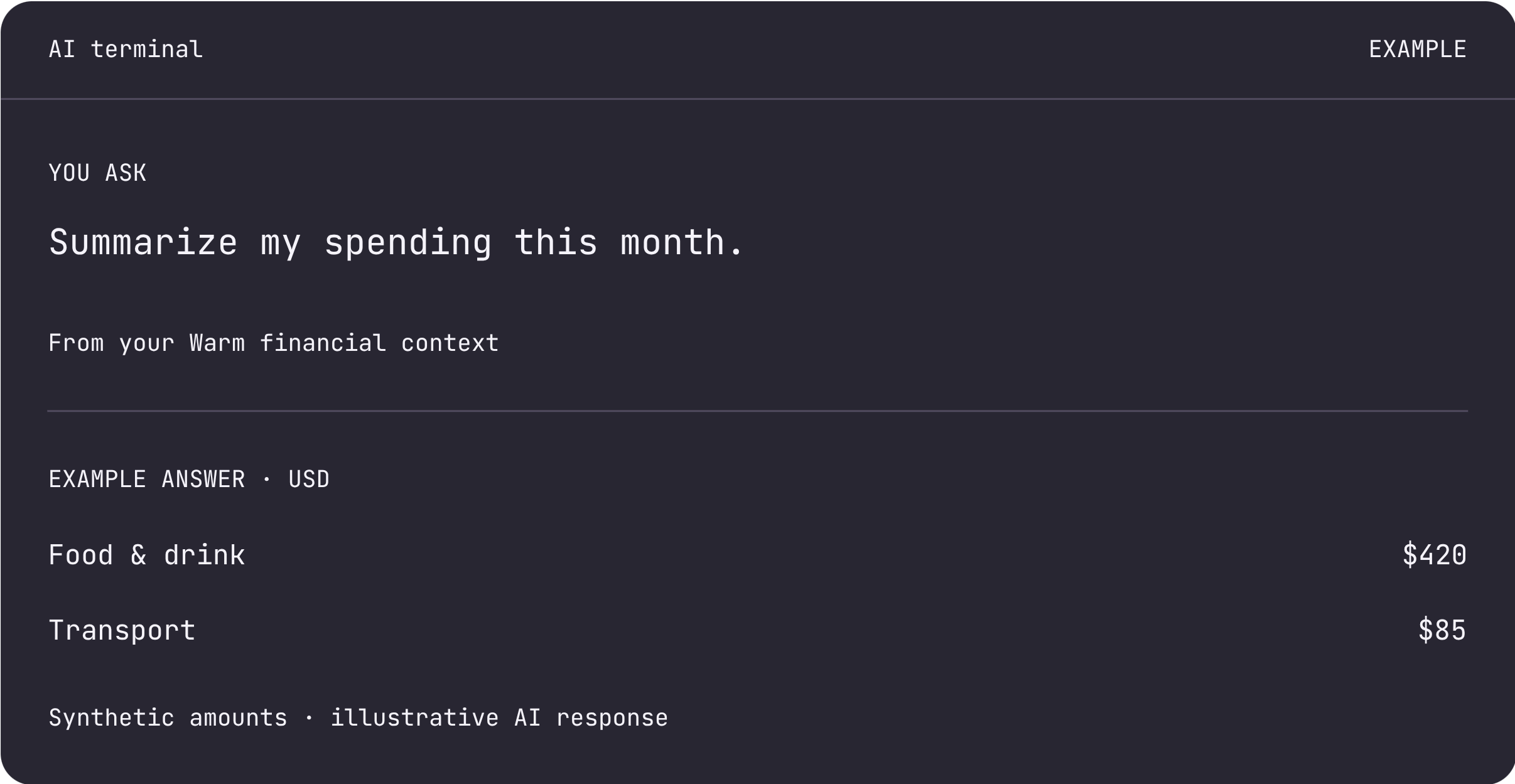
You can also call the HTTP API.
https://app.warm.io
Authenticate every call with your API key as a Bearer token.
All 8 API endpoints
| Method | Path | What it does | Operation |
|---|---|---|---|
| GET | /api/verify | Verify API credentials | Read operation |
| GET | /api/export | Get a typed dataset export | Read operation |
| GET | /api/financial-context | Get compact financial context | Read operation |
| GET | /api/financial-context/transactions | Get financial-context transactions | Read operation |
| GET | /api/financial-context/meta | Get financial-context metadata | Read operation |
| POST | /api/automation/operations/search | Search supported automation operations | Automation |
| POST | /api/automation/operations/describe | Describe one supported operation | Automation |
| POST | /api/automation/operations/invoke | Invoke one supported operation | Automation |
Approved changes
Record operations change Warm records only. They can't move money, pay bills, or change your bank account.
-
search_operations
Your AI finds the smallest matching operation.
-
describe_operation
It shows you the exact request. You approve it in Warm.
-
invoke_operation
It runs with the matching input and approval_id.
If the input changes or the approval expires, your AI needs a new approval.
Read endpoints also accept a signed-in session token. Automation requires a Warm API key. Keys grant full API access; changes to Warm records require your approval. 500 requests per hour per key.
An invoke request returns HTTP 409 if its required owner approval is missing, invalid, expired, or already used. Review the requested change in Warm, then invoke it with the matching approval_id.